
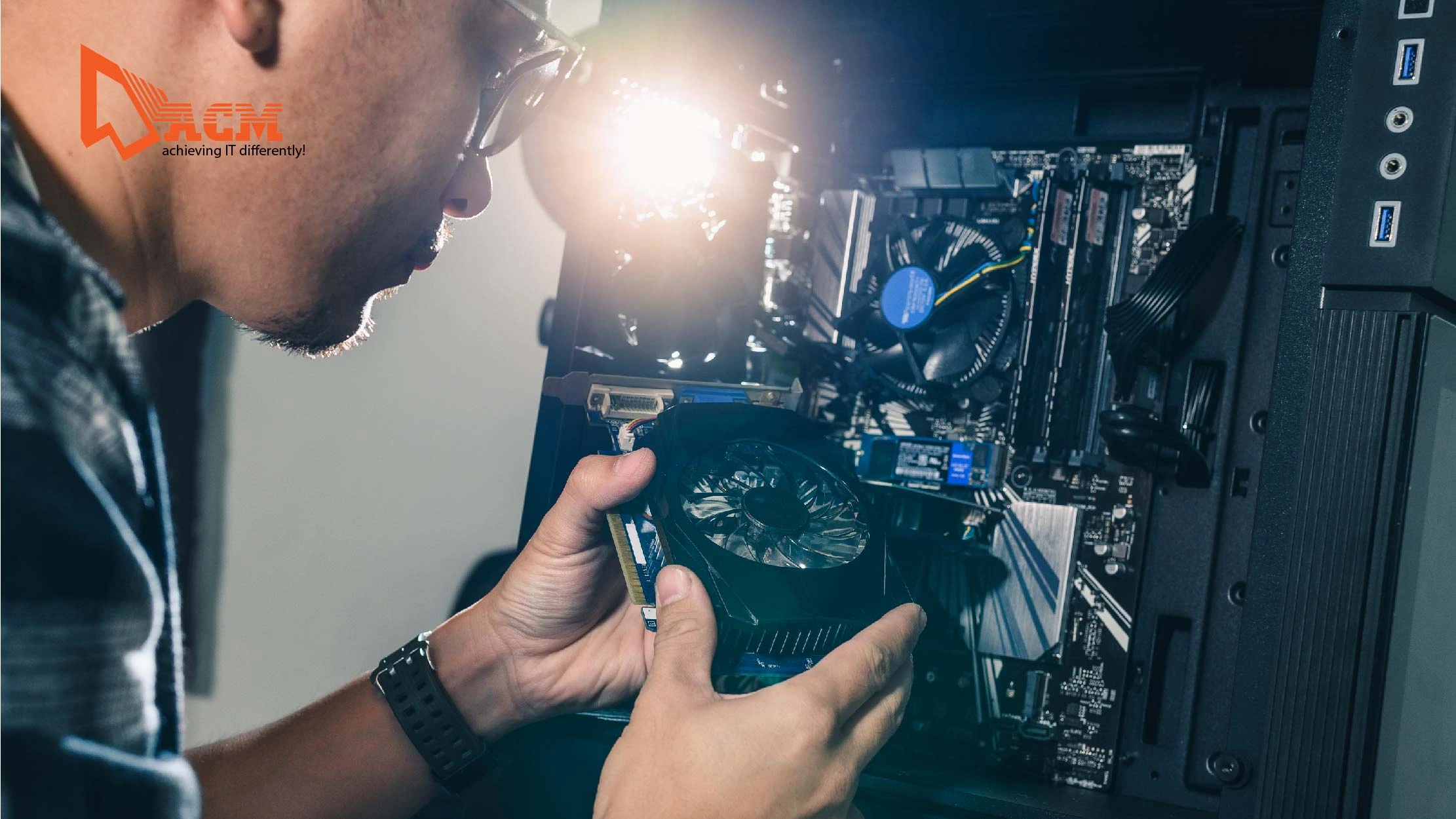
Why Aging Hardware and Equipment Can Cost Your Business More Than You Think
Technology plays a vital role in keeping businesses productive and competitive. However, many companies continue to rely on outdated computers, servers, and networking equipment long after they should be replaced. While older hardware may seem to save money in the short term, it often leads to slower performance, frequent breakdowns, security risks, and unexpected downtime.
Keeping your IT hardware up to date helps ensure your business operates efficiently and avoids costly disruptions.
Signs Your Business Hardware Is Outdated
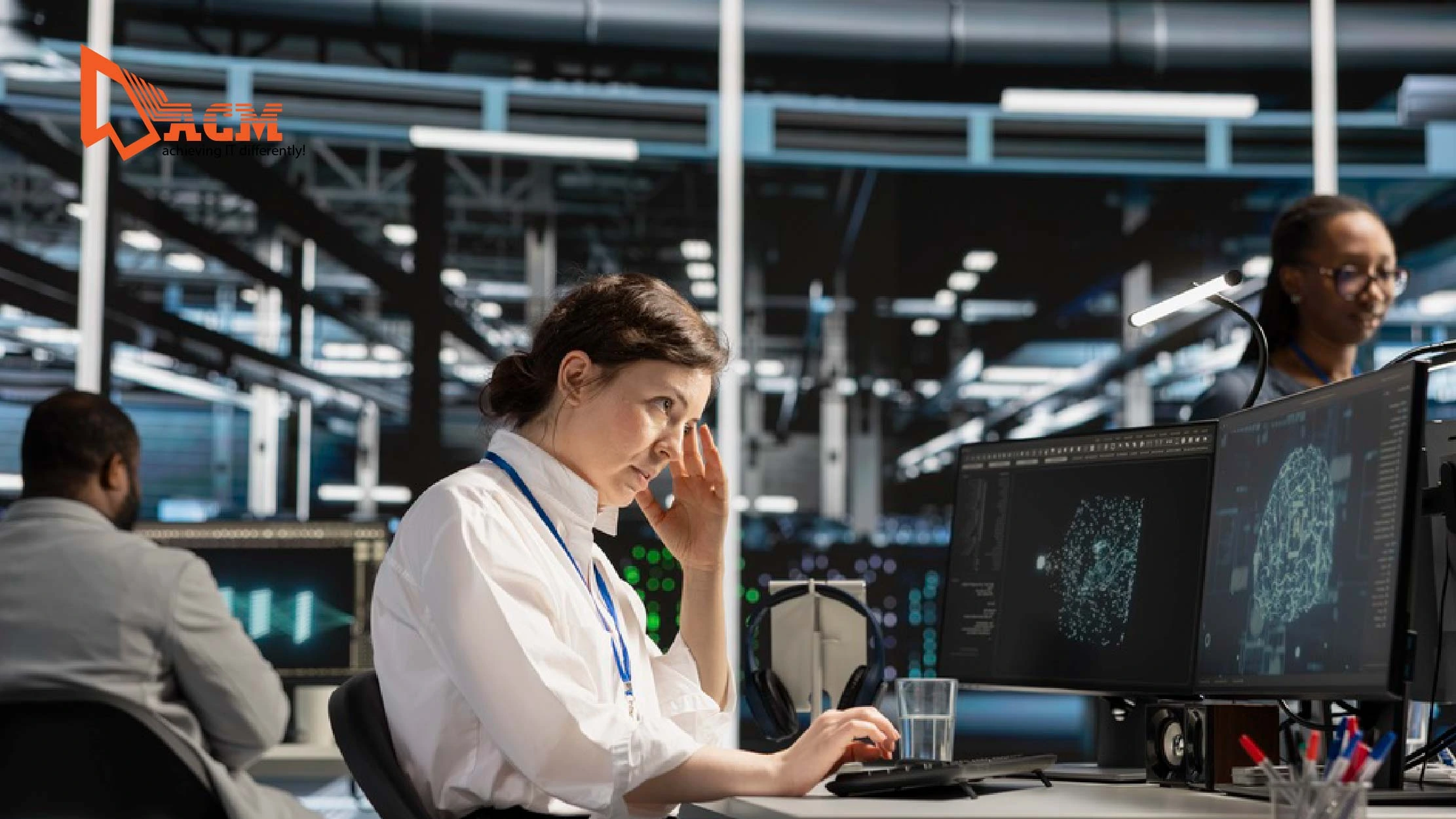
As technology advances, older equipment struggles to keep up with modern software and workloads. Some common signs that your hardware needs attention include:
• Slow computer startup and loading times
• Frequent system crashes or freezing
• Difficulty running newer software
• Increased repair and maintenance costs
• Limited storage or poor performance
• Network connectivity issues
• Unsupported operating systems or devices
If these problems occur regularly, your hardware may be affecting your team's productivity.
The Risks of Using Aging Hardware
Reduced Productivity
Slow computers and unreliable equipment cause employees to spend more time waiting for systems to respond instead of completing their work. Even small delays can add up over the course of a workday.
Higher Risk of Hardware Failure
As hardware ages, components such as hard drives, power supplies, and memory become more likely to fail. Unexpected failures can result in lost work, interrupted operations, and expensive emergency repairs.
Increased Security Risks
Older hardware may not support the latest operating systems or security updates. This leaves businesses more vulnerable to cyber threats, malware, and data breaches.
Rising Maintenance Costs
Frequent repairs can quickly become more expensive than replacing outdated equipment. Businesses may also struggle to find replacement parts for older devices.
Compatibility Issues
New business applications and cloud services often require newer hardware to perform properly. Aging devices may experience slow performance or may not support the latest software features.
How Professional IT Support Can Help
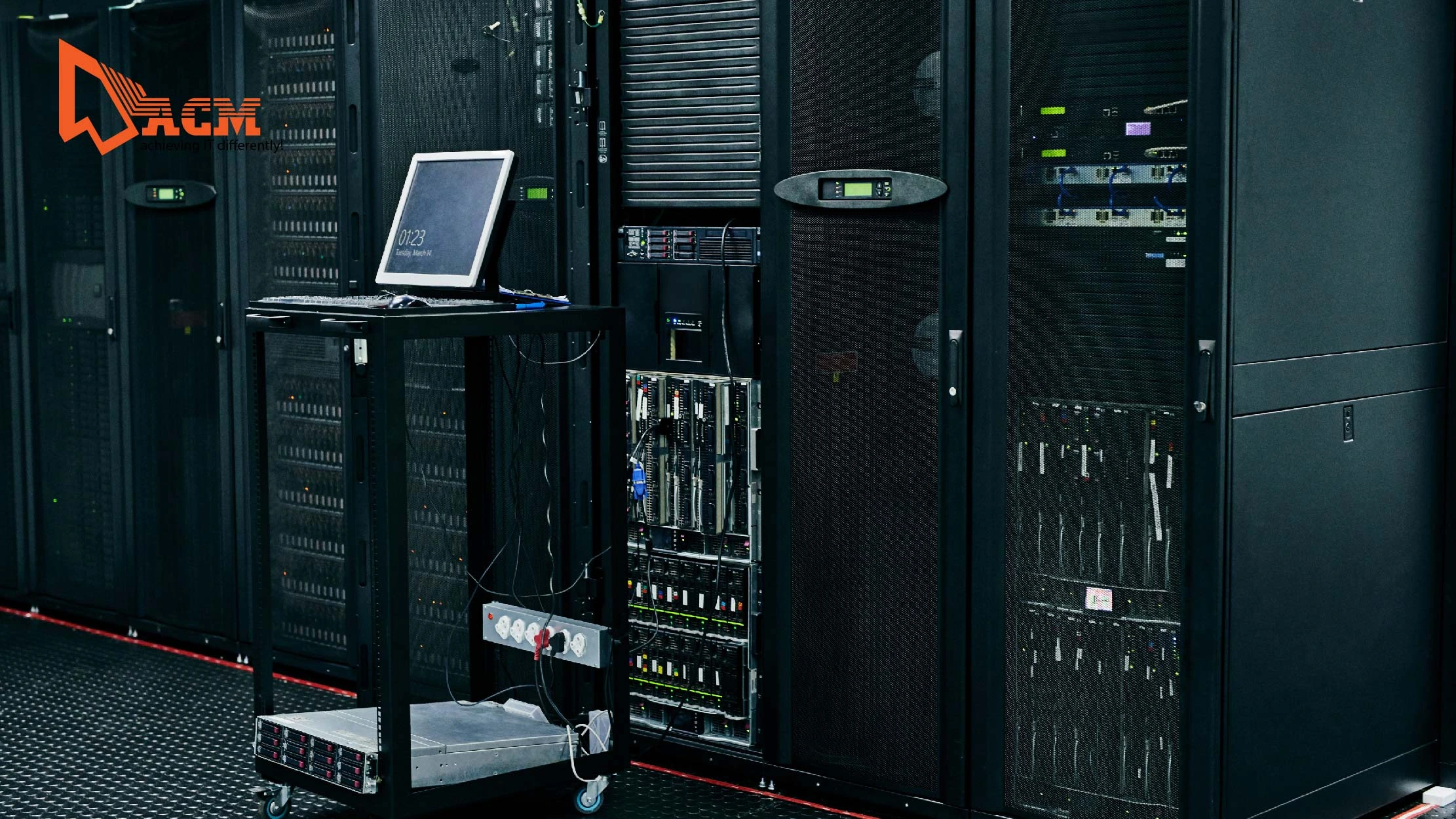
A proactive IT support team helps businesses maximize the lifespan of their equipment while planning for future upgrades. Their services typically include:
• Regular hardware health checks
• Performance monitoring
• Preventive maintenance
• Hardware upgrade recommendations
• Server and network equipment assessments
• Secure data migration to new devices
• Proper disposal of old equipment
By identifying potential issues early, IT support can help prevent costly downtime and extend the life of your technology investments.
Tips for Managing Business Hardware
To keep your IT infrastructure reliable:
• Monitor the age of all business devices.
• Replace equipment before it becomes unreliable.
• Install firmware and system updates regularly.
• Back up important business data.
• Schedule routine maintenance and performance checks.
• Plan hardware upgrades as part of your annual IT budget.
A proactive approach is always more cost-effective than waiting for equipment to fail.
Conclusion
Aging hardware may appear to save money, but it often creates hidden costs through lost productivity, increased maintenance, security vulnerabilities, and unexpected downtime. Investing in regular maintenance and timely hardware upgrades helps businesses maintain reliable operations and supports future growth. With the right IT support, companies can make informed decisions about when to repair, upgrade, or replace their technology, ensuring their systems continue to perform at their best.


